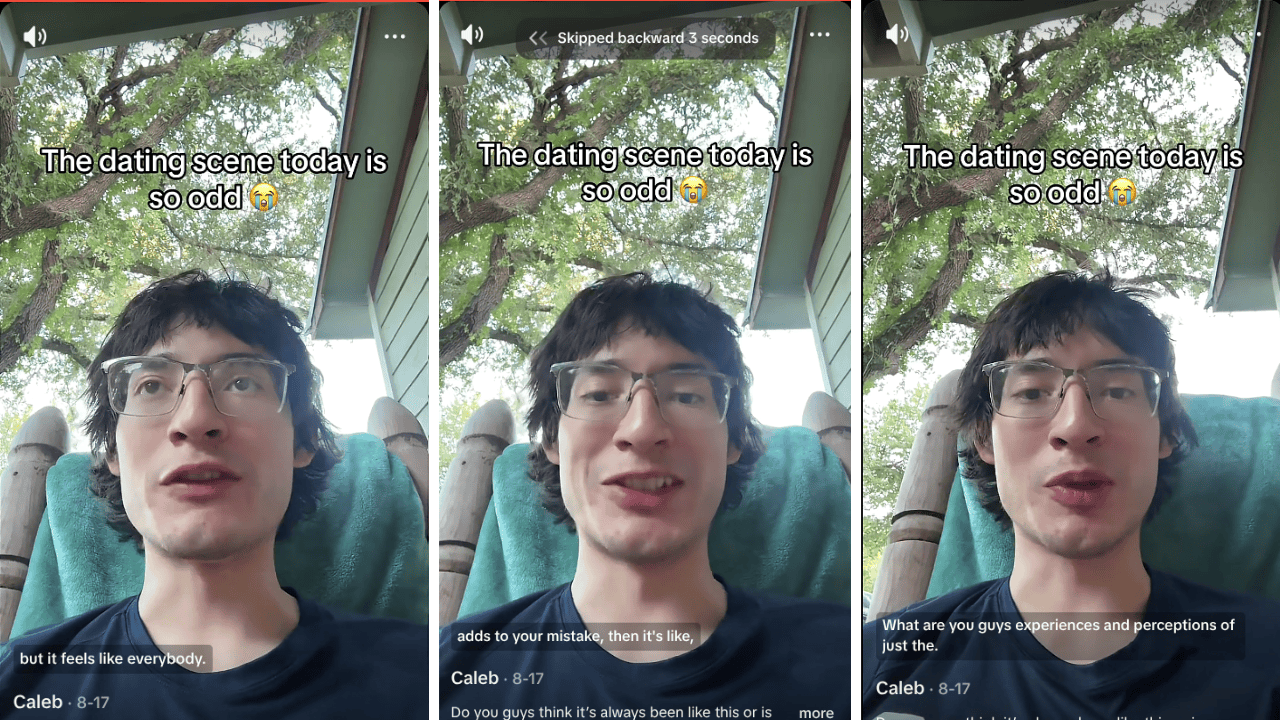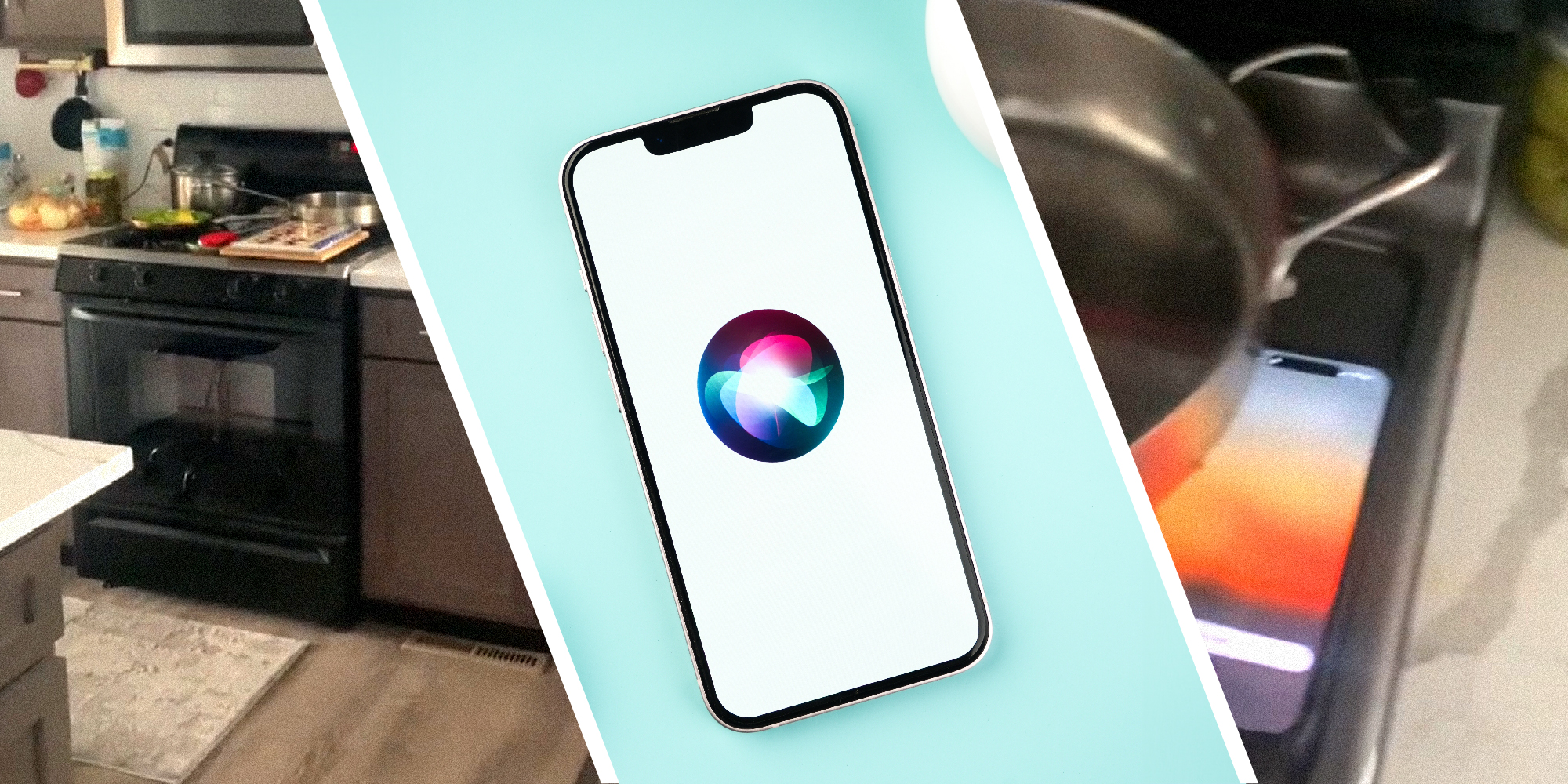
A man showed his hack for how he finds his iPhone when he loses it in his house. It's so simple yet genius that you'll be upset you didn't think of it first.
TikToker Jeff (@chicagojeffthepainter) shares his nifty trick in a TikTok that has 161,000 views.
"I don't know how many times this happens. You walk in a room. You know your phone is somewhere," he starts his video.
Jeff is looking around his home for his phone. He continues, "You don't have someone else to call it. You're looking, and you're thinking, 'How am I gonna find this phone?'"
Siri to the rescue
Next, the TikToker delineates exactly how someone who loses their iPhone while alone can go about finding it. "You just say, 'Hey Siri, where are you?'" he says.
A few seconds pass by in the video as he continues to pan his camera around the kitchen. "Here I am," the virtual assistant's robotic voice says.
Finally, Jeff pans his phone over to the stovetop, where his device is.
He repeats, "Hey Siri, where are you?"
"I'm here," the virtual assistant states. Next, Jeff approaches the phone while saying, "Unbelievable. What a great hack."
@chicagojeffthepainter #iphone #have #iphonetricks #iphone14 Tip to find your phone when you know its in your presenc but cannot find it.
♬ original sound - ChicagoJeffThePainter
What's Siri's listening range?
According to an Apple community specialist in this forum discussion, Siri doesn't have a set listening range. The virtual assistant's hearing efficacy is "based on a variety of factors," according to the forum poster.
Additionally, it's important to note that this trick will only work if the correct settings are enabled. iPhone users interested in turning Siri on should head over to their settings application. Next, they should hit Siri > Listen for > On.
Similarly, Apple Watch users can also ping their iPhone from their wearable tech. All they need to do is hit the oval button next to the Digital Crown, which brings up the Control Center. Thereafter, just tap the icon that looks like an iPhone, and it'll cause your connected device to beep.
Upgrading Siri's ears
If you'd like to ensure that your Siri virtual assistant can hear you from longer ranges, this Redditor's got a suggestion. According to the user, iPhone users should place their devices at a further distance while first setting it up. This way, the application can be trained to recognize your voice better when far away.
This will help when you try to locate your phone using Jeff's hack. Moreover, if you're washing dishes, let's say, and want to start a playlist, this could prove useful.
Viewers weigh in
One person stated that they've tried out Jeff's trick, but it isn't as reliable as they had hoped. "I’ve used it before but she doesn’t always respond. It’s like talking to a teenager," they quipped.
Jeff replied that the "phone has to be facing up" for it to work.
Someone else suggested another voice command. This one could give you more time to search for your phone. "Hey Siri, set timer: one second. It will immediately keep alerting automatically until you find it," they suggested.
Another had a similar suggestion that they've already put to the test. "I asked Siri to tell me a story. That way she keeps talking until I find my phone," they shared.
The Daily Dot has reached out to Apple via email and Jeff via TikTok comment for further information.
Internet culture is chaotic—but we’ll break it down for you in one daily email. Sign up for the Daily Dot’s web_crawlr newsletter here. You’ll get the best (and worst) of the internet straight into your inbox.