It's super-easy to trick your iPhone-using friends into sending you ugly, unexpected selfies.
There's a snippet of text floating around the Internet that tells you to tap and hold your finger on the Apple iPhone camera icon when you're texting someone. It supposedly brings up a hidden menu of selfie filters. Instead, it takes a photo of you when you least expect it. It's perfect, then, for soliciting awkward photos from your contacts—if they fall for it.
Warning: This can only be pulled off if the recipient has an iPhone with iOS 8.
Here's how it works:
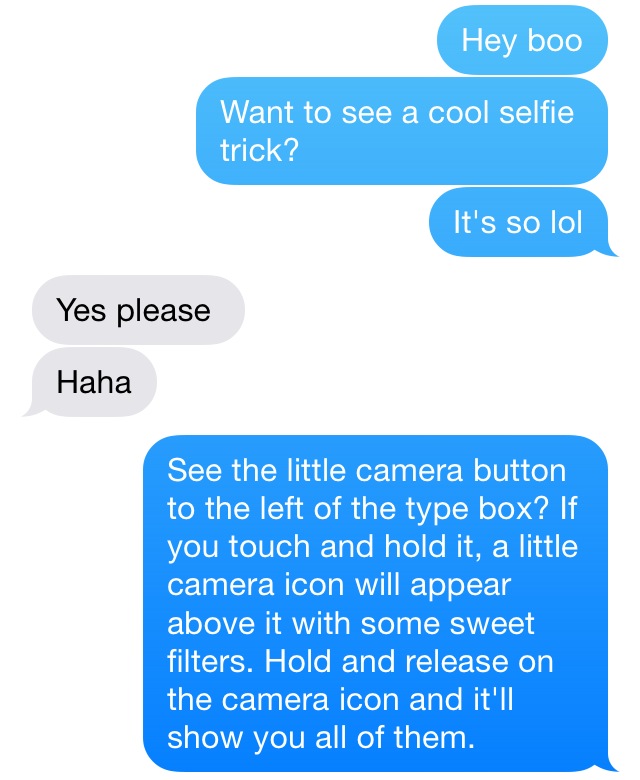
Step 1: Message your victim a version of this text. Feel free to tweak for style/tone. It’s never going to work if it sounds like a bot commandeered your phone.
Marisa Kabas
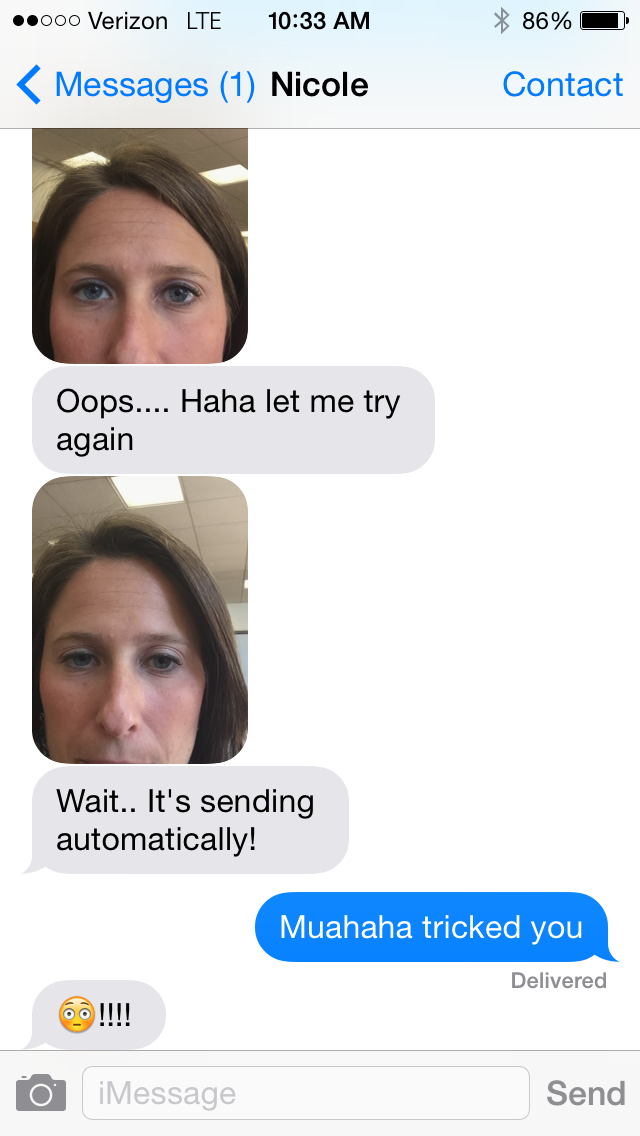
Step 2: Sit back. Relax. Wait for her to accidentally send you back an unexpected selfie.
Marisa Kabas
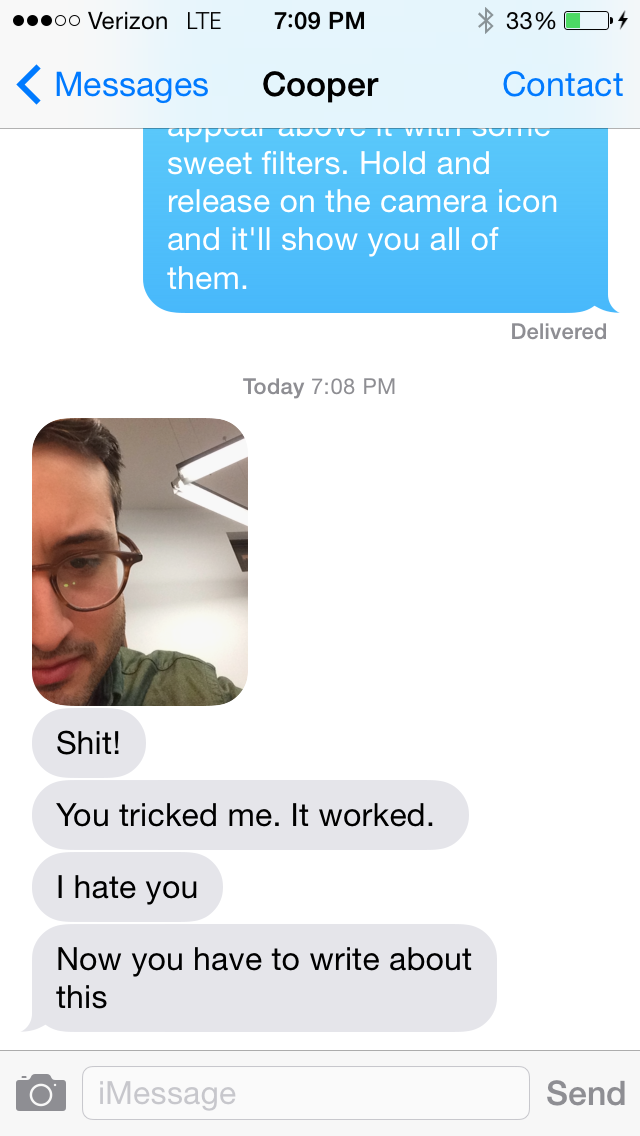
Even the Daily Dot's New York Bureau Chief fell for it:
Marisa Kabas
You're just a few easy steps and one ignorant friend away from having an image to hold over their head forever.
Many thanks to my friend Alex for introducing me to this simple and satisfying ruse. Tweet your successes to @dailydot!
Photo via Pasko Tomic/Flickr (CC BY 2.0)