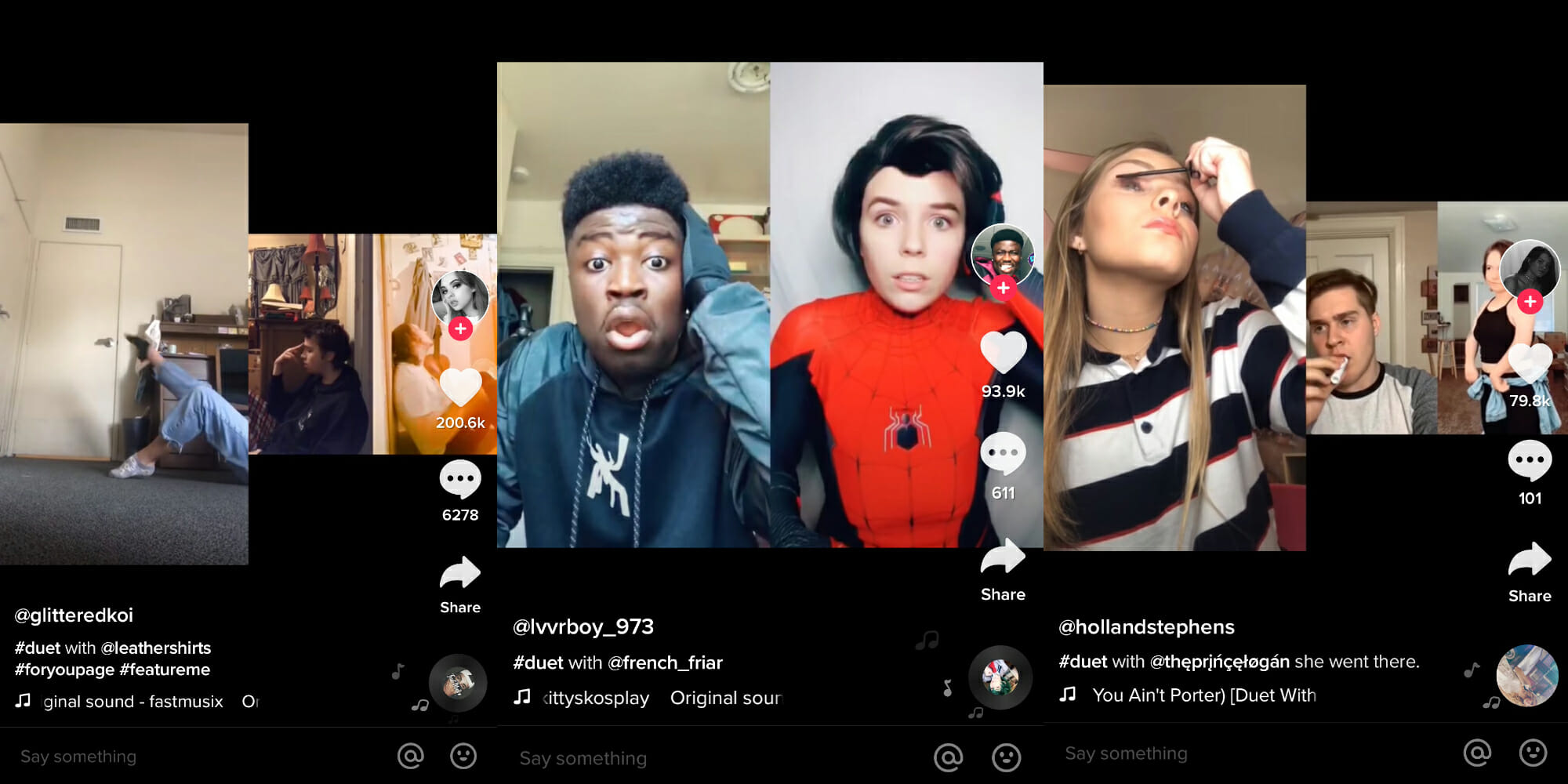
TikTok is an incredibly fun and versatile app for creatives, whether they're doing standup comedy, making lip-synching videos, or just pranking their friends. The TikTok duet function allows users to create TikToks with their friends---or random users---regardless of their location. The feature is often used to pair responses or reaction videos, expand stories by adding more users' videos or to encourage a challenge that inspires others to duet with a TikTok.
Here's how to duet on TikTok and other tips and tricks.
What is a TikTok duet?
A TikTok duet is a video that gets placed beside another so that they can be watched simultaneously in the app. These can be your own videos or the videos of other TikTok users who haven't disabled the duet feature. Don't worry: If you don't want others to duet with your content, you can disable the feature (more on that later).
Many duets are used to react to a video. Sometimes an original video might be a prank or challenge, with the duet aspect of it being adding your own video to it. Another popular use of duets is using the feature to have people sing a song, with one video signing some lyrics and alternating with the the video you create.
In September 2020, TikTok added new layouts for duets: left and right, react, top and bottom, and three screen. The different layouts allow users to change where their reaction video and the original TikTok are displayed.
Now that you have a sense of what a TikTok duet is, here's a look at how to make one.
How to duet on TikTok
TikTok duets are fairly users to make. Select a video and press the arrow button labeled "Share."
Then, select the Duet button, which features two overlapping circles.
As long as the video does not belong to a private account and is shorter than 15 seconds, you can duet with it.
READ MORE:
How to disable duets on TikTok
There are plenty of reasons why you might want to disable duets on TikTok. Just ask popular TikTok personality Sebastian Kretzmann, better known as RadicalSeb. After being accused of inappropriate behavior with minors on the platform and using racial slurs, his apology video became a meme as users started dieting with it.
If you don't want other TikTok users to use your videos, it's easy to disable the feature. Head to your account settings and under the Privacy and Settings section of your profile, tap Privacy and Safety.
There is an option titled "Who can duet with me" where you can choose between privacy preferences.
From there, you have the option of limiting who can duet with you to friends or disable the feature entirely.
Looking for more app how-tos? Check out our stories on how to post longer videos to Instagram and how to add music to Instagram videos, as well as this complete guide to the best Snapchat hacks, tips, tricks, and secret functions.