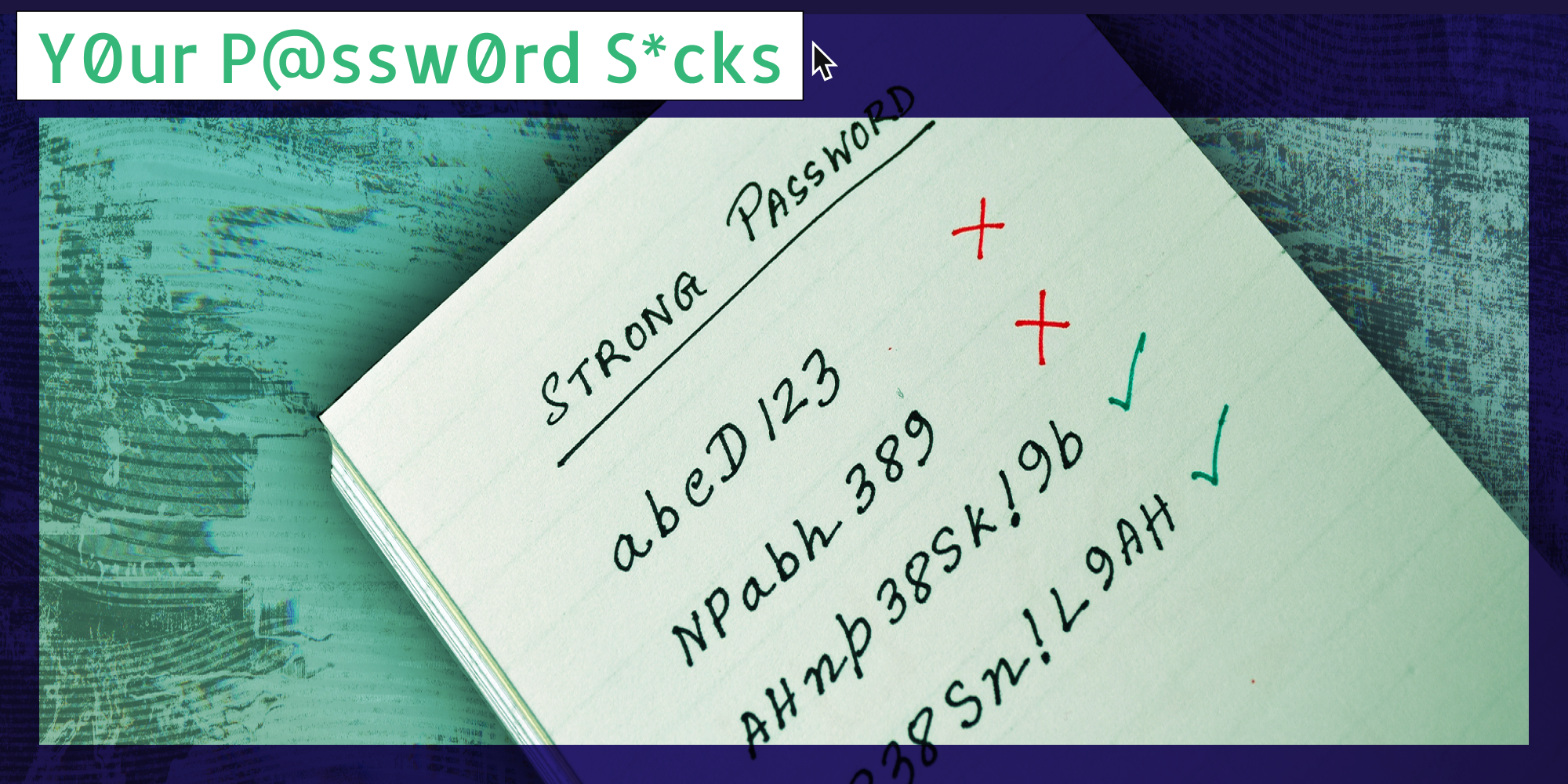

Y0ur P@ssw0rd S*cks is a bi-weekly column that answers the most pressing internet security questions web_crawlr readers have to make sure they can navigate the ‘net safely. If you want to get this column a day before we publish it, subscribe to web_crawlr, where you’ll get the daily scoop of internet culture delivered straight to your inbox.
Welcome to Your Password Sucks, the Daily Dot newsletter that answers all your internet security-related questions.
This week, Nelson C. asks: “I keep a password book that goes with me everywhere. I use so many different ones. Is that dangerous? No account numbers or verification codes, just passwords. I'm old as dirt. I can't remember them all and don't want to use the same one for everything.”
Well, the answer may surprise you.
Many would assume that keeping your passwords written down is a bad idea, which in some cases, can be true. But as we often discuss here at Your Password Sucks, security doesn’t come in a one-size-fits-all solution.
While we have talked at length about security fundamentals, it’s also important to remember that not everyone faces the same threats. The security advice you’d give to your grandmother isn’t the same as you’d give to a political dissident in a hostile nation.
So, is it ok to use a physical password book? For starters, the biggest security issue when it comes to passwords is password reuse. It’s hard to remember the countless passwords you need online, so many resort to reusing the same password, or a combination of the same password.
But of course, if just one of those passwords is compromised in a data breach, all your other accounts are now in danger. Therefore, using a book to store and remember all your passwords is better than reusing the same password online. Now, is a password book ideal? Preferably, using a password manager is your best bet. And if you did choose to use a password book, there are still other things to consider.
How do I protect my passwords?
The most important thing is that your passwords are unique and complex. Using a password generator, a feature often included in password managers, is a great choice. Also, thinking up a phrase full of random words for a password can work as well.
Secondly, it goes without saying that you definitely want two-factor authentication enabled on all of your accounts. This will keep your accounts safe even if your password book was taken, although many people simply store their password books at home.
And thirdly, make sure you have a way to recover your accounts if you lose your passwords. This could be in the form of a backup email address, a phone number, or numerous other things.
Again, a password book isn’t the best thing, but it also isn’t the worst. I’ve had older relatives use a password book. It can be much easier to let them use that than trying to teach them how to use a password manager.
At the end of the day, just make sure you have the fundamentals in place, such as a strong and unique password for every account and two-factor authentication enabled.
Internet culture is chaotic—but we’ll break it down for you in one daily email. Sign up for the Daily Dot’s web_crawlr newsletter here. You’ll get the best (and worst) of the internet straight into your inbox.